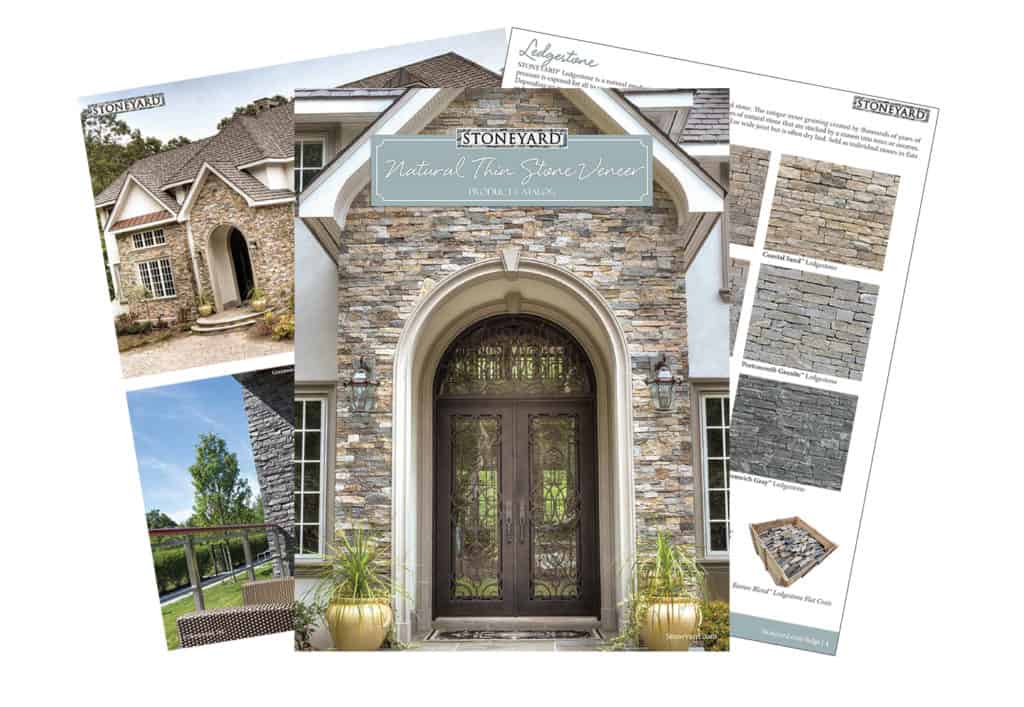
Stone Veneer Visualizer
Helping You Plan Exterior Stone Veneer Projects
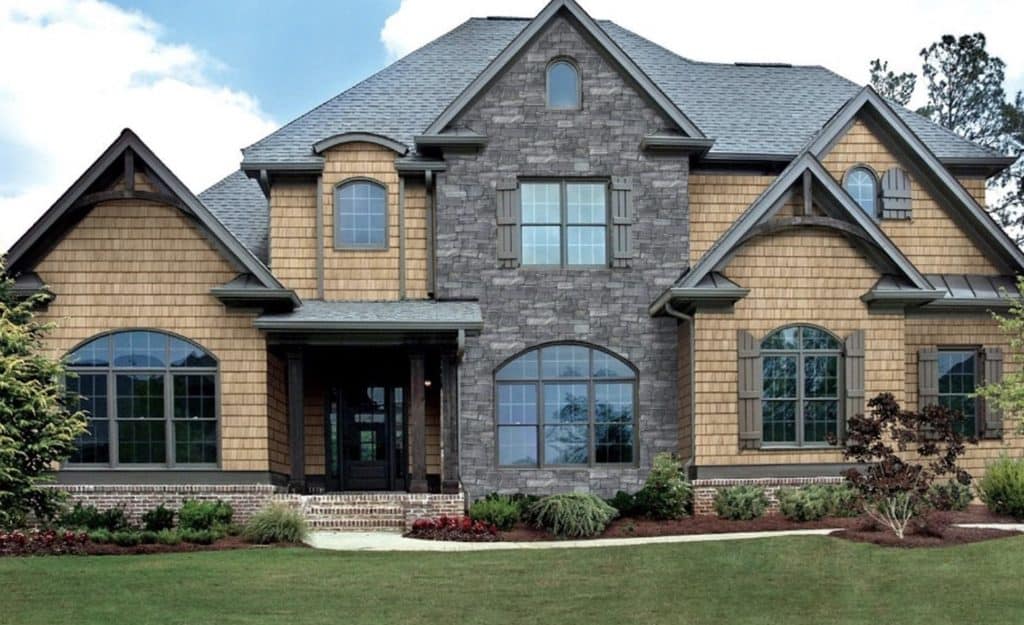
What could your house look like with Stone Veneer and Stone Accents?
Quick Start:
- Visit the Visualizer
- Get started with a gallery home
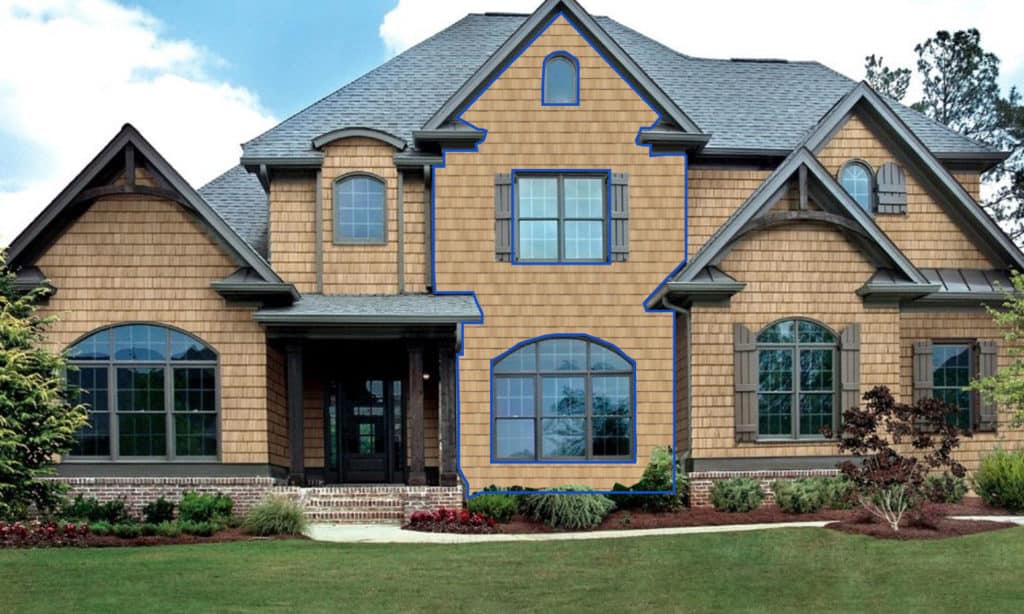
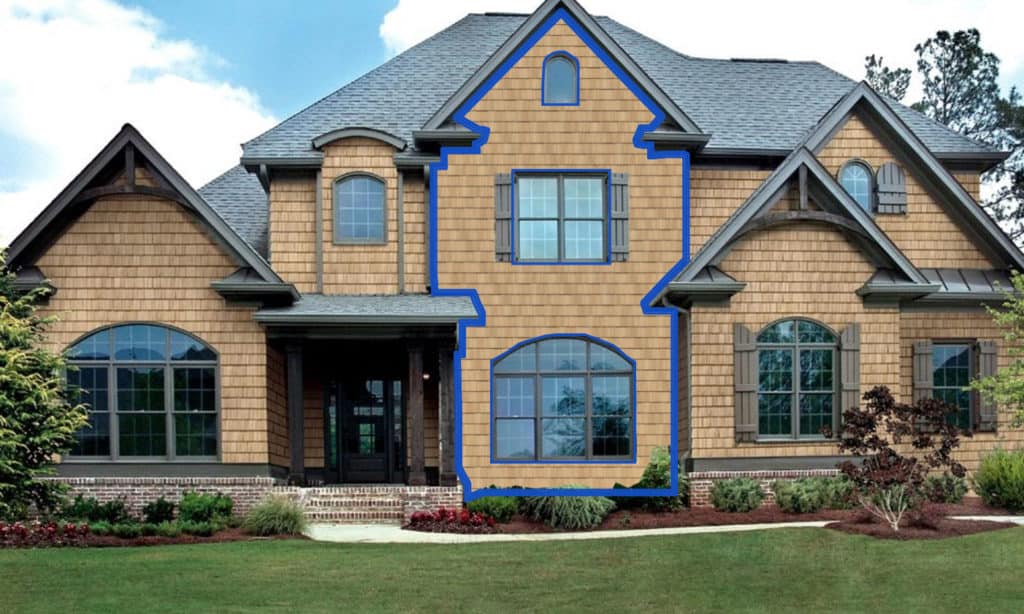
- Choose a home, HOVER AND CLICK ON THE BLUE HIGHLIGHTED AREAS to show locations to visualize in stone;
or upload your own photo, use the automated blue mask or create your mask area - Select Stone
- Select Stoneyard
- Select stone style: ledge, ashlar, square & rec, mosaic, round
- Select stone color
CREATE AN ACCOUNT: To save your work and have more control over adding/deleting areas.
Visualize Your House With Stone Accents
The Stone Veneer Visualizer is a cutting-edge tool offered by Stoneyard, designed to revolutionize the way you plan and visualize your home improvement projects involving stone veneer. This interactive platform allows you to virtually apply various styles and colors of stone veneer to a house, providing a realistic preview of the potential outcome.
The visualizer is an invaluable resource for homeowners, designers, and project managers alike, as it eliminates the guesswork involved in selecting the right stone veneer. It enables you to see how different styles and colors of stone veneer would look on a house, helping you make an informed decision that aligns with your aesthetic preferences and complements the existing architectural elements of your home.
There are many benefits to using this tool. It saves you time and effort by allowing you to experiment with different options in a virtual environment before making a physical commitment. It also offers a cost-effective way to explore various design possibilities before ordering physical samples or building mock-ups. Furthermore, it empowers you to take control of your project, allowing you to explore and refine your design ideas at your own pace and convenience.
Now, let’s look at the three options the visualizer offers:
- Sample House: This option allows you to experiment with various stone styles and colors on a sample house from our gallery. It’s a great way to get started and explore the possibilities.
- DIY: If you want a more personalized experience, you can upload a photo of your own house and manually apply different stone veneer options. This allows you to see how the stone veneer would look on your actual home.
- Professional Assistance: If you prefer to have a professional handle the visualization, you can opt for our “Do It For Me” service. Simply send us a photo of your house, and our professionals will digitally apply the stone veneer, providing you with a realistic visualization of the final result.
The Stone Veneer Visualizer by Stoneyard is a digital tool that allows users to visualize stone veneer enhancements on a house. It offers three options: using a sample house, uploading a personal house photo for a DIY experience, or opting for professional assistance where a photo of your house is digitally enhanced by our team. This tool simplifies decision-making, saves time, and offers a cost-effective way to explore design possibilities.
Inspiration | Videos | Projects | Visualize | Installation | Literature